


Smartsheet recently unveiled a suite of new capabilities that apply generative AI (GenAI) to its platform to help enterprises tackle their mission-critical work more strategically and efficiently. The new features are now available to select customers in private beta.
Smartsheet is integrating its new GenAI features across its platform to improve how enterprises plan, do, and scale their work. By connecting large language models (LLMs) to customers’ private business data, Smartsheet can securely deliver insights and data visualisations and help build project and portfolio management solutions in response to simple natural language questions.
Smartsheet optimises its platform to enable our enterprise customers to meet their security and governance needs now and into the future, and it is taking the same approach when applying GenAI. Customers own their information, and that information is never available for other customers to see or use, nor will it be available as training data to underlying LLMs. As Smartsheet continues to apply GenAI to its platform, it will build in ways to ensure customers understand the recommendations and insights AI provides so they can confidently take action without any additional work on their end.
“We believe GenAI will dramatically–and positively–impact how work gets done, from planning to execution to scaling,” said Mark Mader, Smartsheet CEO. “Our platform is inherently flexible so it can adapt to how our customers want to work. As we apply powerful GenAI capabilities across the Smartsheet platform, we’re focused on maintaining customer trust through accurate and actionable insights and recommendations.”
From solving real business challenges faster to quickly finding new insights to inform critical business decisions to scaling work across an entire organisation, Smartsheet is unleashing the power of its platform with GenAI to deliver even greater value for customers.
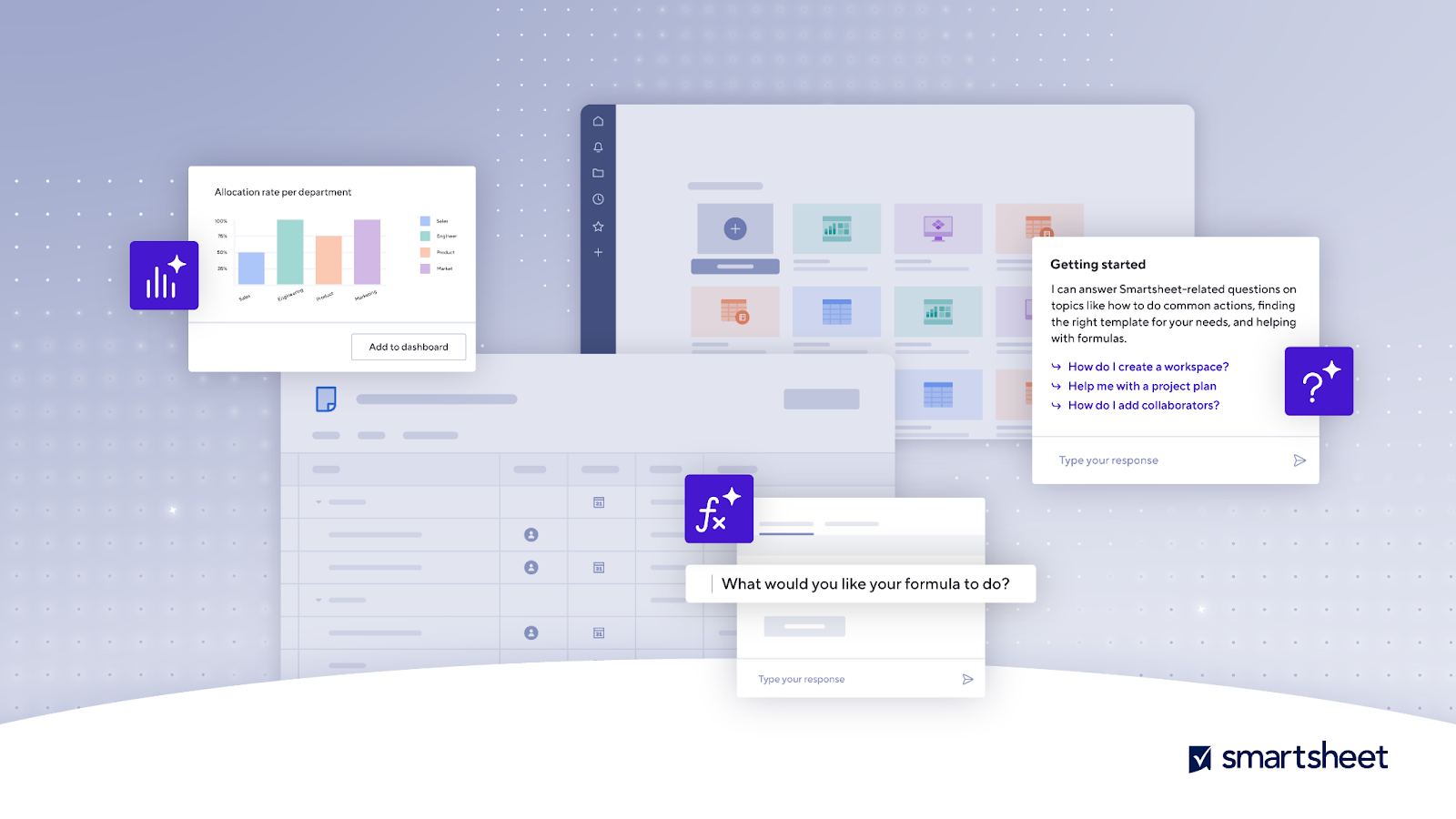
- Actionable insights in seconds: The new insights feature connects LLMs with customers’ private business data in Smartsheet to deliver sheet-level insights and data visualisations in seconds, while applying a comprehensive approach to security, compliance, and privacy so their data always stays secure. New AI insights synthesise data into helpful insights and visual charts via simple conversational prompts like, “Which programs were over budget last month by department?” Initially, customers can tap into insights about an individual sheet; in the future, insights will be derived from data across thousands of active projects and data stores, unlocking new portfolio-level insights.
Smartsheet has data store capabilities designed to house millions of rows so customers can leverage their large external datasets from other platforms like ERPs and CRMs within the Smartsheet platform. This creates a more connected work environment and the potential for rich new insights into a customer’s business.
- Get answers fast–in the context of your work: Need help building, configuring, or extending a solution? The new AI-powered help assistant will enable customers to get a customised response based on where they are in the context of their work. The help assistant provides natural language responses based on the platform’s help, online Community, and supplemental materials. It can also prompt users on how to get started with different features based on where they are in Smartsheet and what they’ve been working on, helping anyone take their Smartsheet solution to the next level.
- Accelerate productivity: Smartsheet helps enterprises transform how work gets done across their organisation. Smartsheet customers will now be able to tap into GenAI to quickly build sophisticated solutions that fit their unique needs.
The new AI solution builder will quickly find and personalise the right template so customers can get started building sophisticated solutions in seconds. The AI help assistant will also generate formulas based on a simple description of what information a user wants. Formulas drive processes and automation in Smartsheet, but they take time to master. With this new feature, anyone will be able to generate advanced formulas to power their work at scale.Additionally, users will be able to effortlessly generate video captions and image descriptions while easily manipulating images for quick editing in Brandfolder by Smartsheet, streamlining their content management process and saving hours of work
